PodMouse for Mac

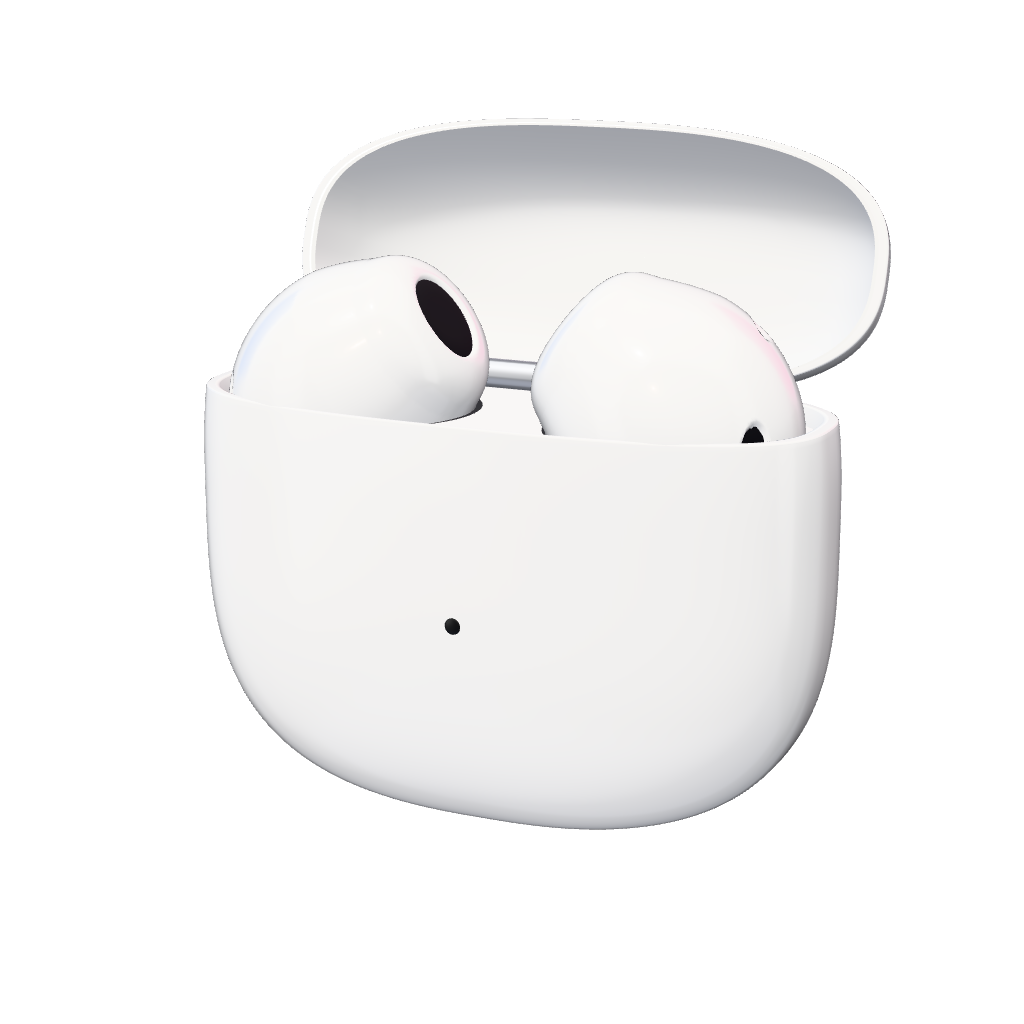
A pair of white earbuds in an open charging case

Open it. Aim it. Tap to click.

Download for Mac

Free and open source. macOS 15 or later. Tested with AirPods 4.

Open it.

AirPods already carry motion sensors for spatial audio. Leave them in the case with the lid open and Automatic Ear Detection off, and they keep reporting.

Aim it.

Hold it like a laser pointer. Rest your elbow and move only your wrist, in short smooth moves.

Tap to click.

Stop, then tap the case. Taps only count on a still hand, so moving around won't click by accident.

Everything a mouse does. With nothing on the desk.

  1. 01

    Pause, then tap

    Click

    Stop first. Taps only count on a still hand.

  2. 02

    Twist right and back

    Right click

    A sharp turn of the wrist, there and back.

  3. 03

    Twist left and back

    Drag

    Off by default. Twist once to start, again to finish.

Two ways to point

In your hand.

Aim the case, pause and tap. Good from the couch or in a presentation.
A pair of white earbuds in an open charging case

Or hands-free.

Turn your head
Moves the pointer
Nod, or press the stem
Click
Press the stem twice
Right click
Shake your head, or press three times
Pause
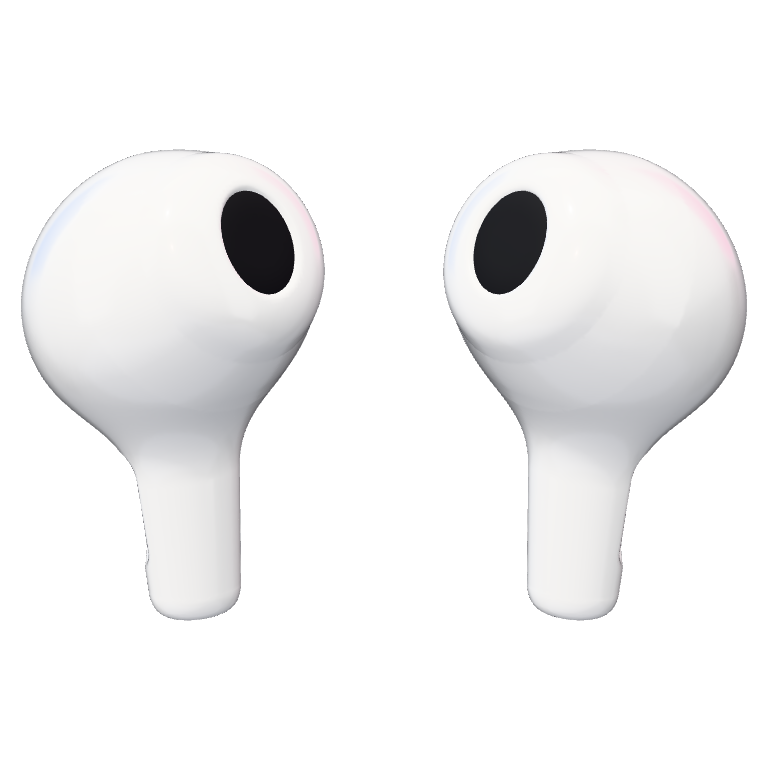
Two white earbuds

Three moves and it knows your hand.

  1. 1Hold still
  2. 2Left and right
  3. 3Up and down

Not 90°

Wrists don't rotate around tidy axes. In our recordings, side to side and up and down were not perpendicular. So both are measured from your own sweeps.

None of your business.

In the app

Memory
Motion is processed in memory and thrown away.
Native
A Native Swift menu bar app.
Open
Open source under the MIT license.
This website
Counts visits and downloads without cookies and keeps no IP addresses. The app itself sends nothing.
Permissions
Accessibility to move the pointer and click. Motion to read the AirPods' sensors.

Before you download.

Mac
macOS 15 or later.
AirPods
Tested with AirPods 4 only. Other AirPods with head tracking should work but are untested.
Case mode
Needs the lid open and Automatic Ear Detection off.
The lid
Fully closing the lid disconnects the AirPods.
First launch
Allow Accessibility and Motion.
Gatekeeper
If macOS can't verify the developer: System Settings > Privacy & Security > Open Anyway.

Aim here.